Tkinter-Designer / PYTHON
From Figma to a Python interface.
Tkinter-Designer turns a Figma design into Python Tkinter code and image assets. Design the interface visually, generate the starting point, then connect it to your application.
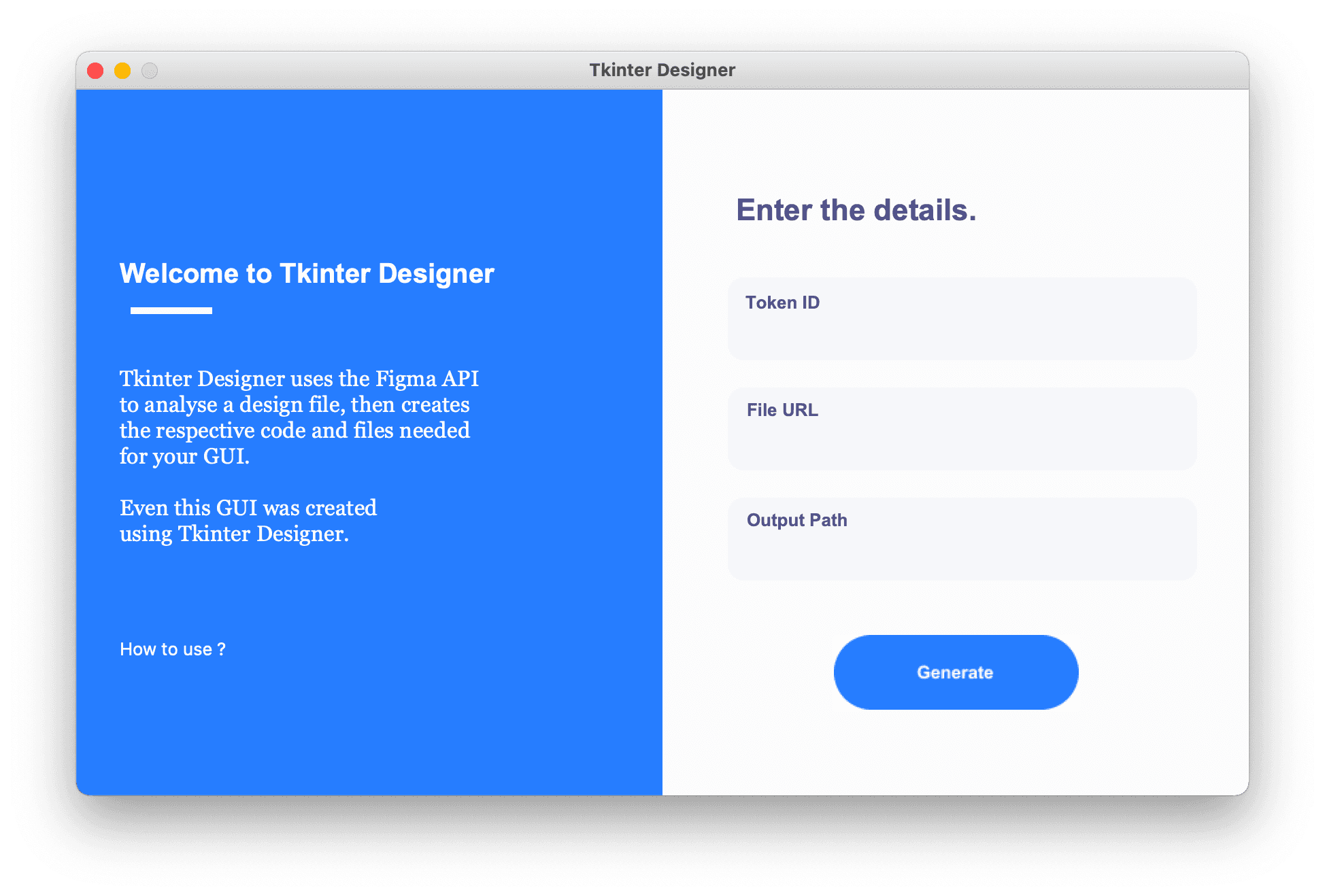
A visual starting point
Writing a desktop interface by hand can involve a lot of repetitive positioning and asset work. Tkinter-Designer uses the Figma API to read a design and generate the code and images needed to recreate it in Tkinter. The output is ordinary Python that you can inspect and extend.
How the workflow fits together
Create a design in Figma, follow the project's supported element and naming conventions, and give the generator a file URL and a Figma API token. The current CLI supports selecting a frame, generating class-based interfaces, and producing an application with navigation between multiple frames. The setup guide documents the requirements for each step.
Keep your application logic separate
Generated layouts are a starting point for the interface. Event handlers, data access and application behavior still belong in your code. The current generator lets you import generated gui.py files without automatically starting the Tkinter main loop, making it easier to keep custom behavior separate when regenerating a design.
Source, examples and contributions
Tkinter-Designer is an open-source project with contributions from the community. The repository includes translated guides, examples and issue discussions. Use those sources to check current support and limitations before choosing it for a project.