free and open source
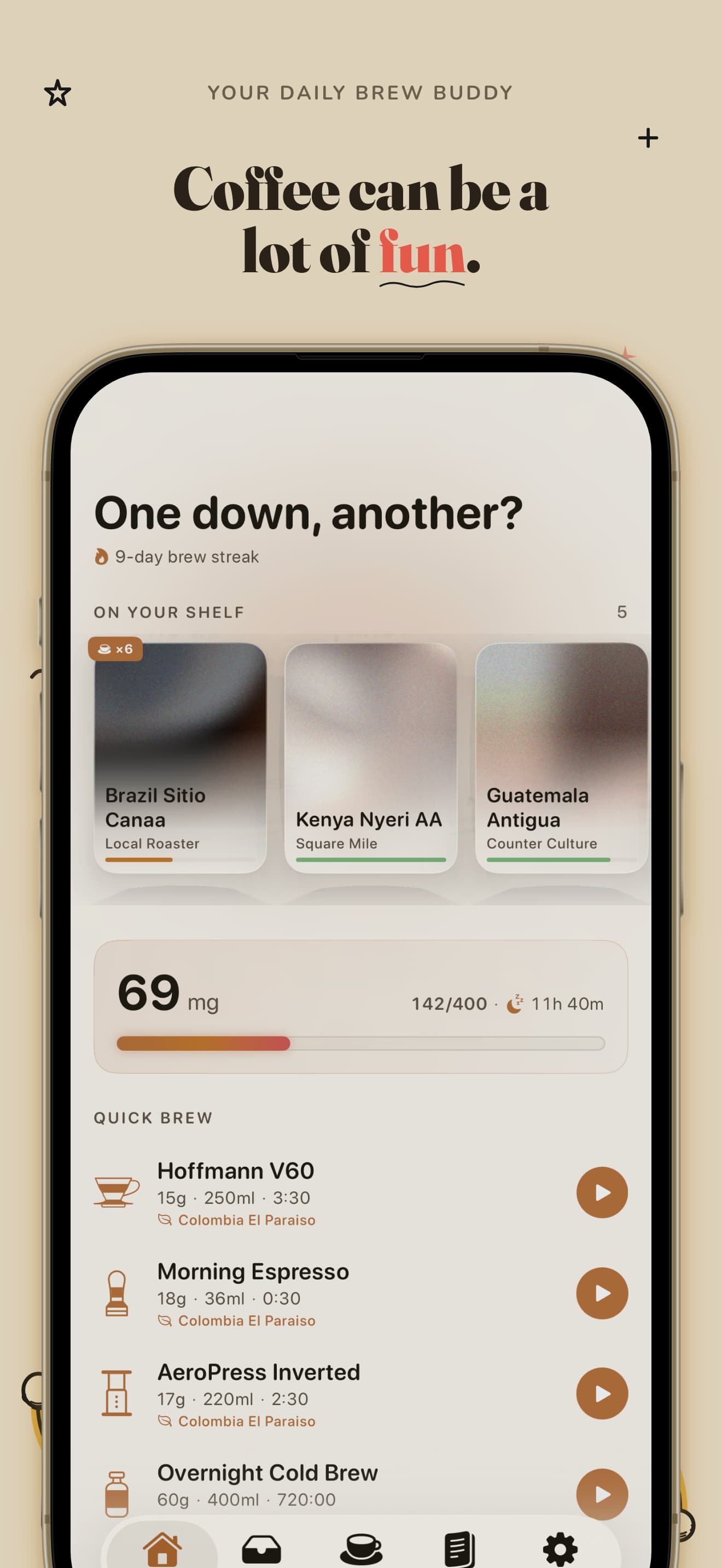
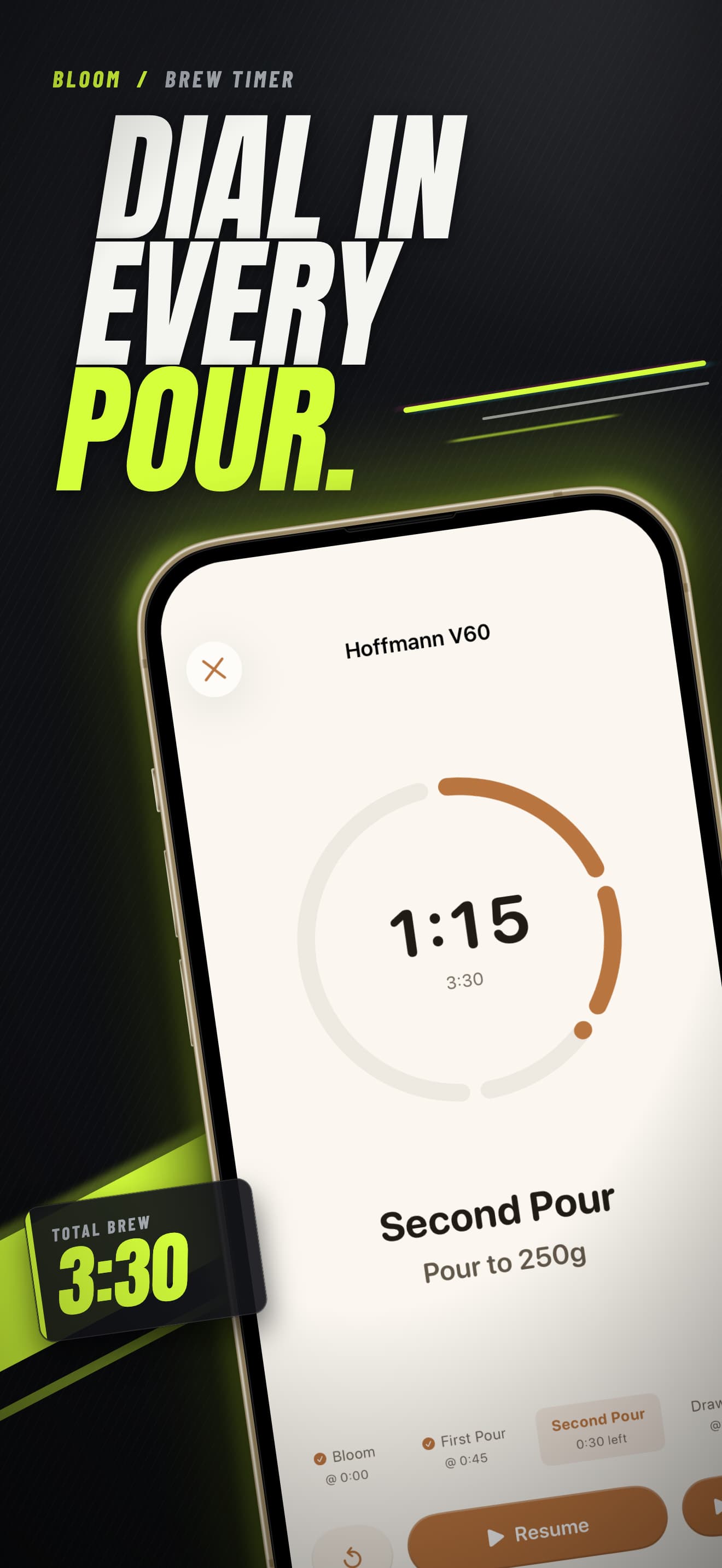
App Store screenshots,
made by your AI agent
Describe your app. Get store-ready screenshots in every size Apple and Google Play ask for.
A free skill for Claude Code, Codex, Cursor and other AI coding agents
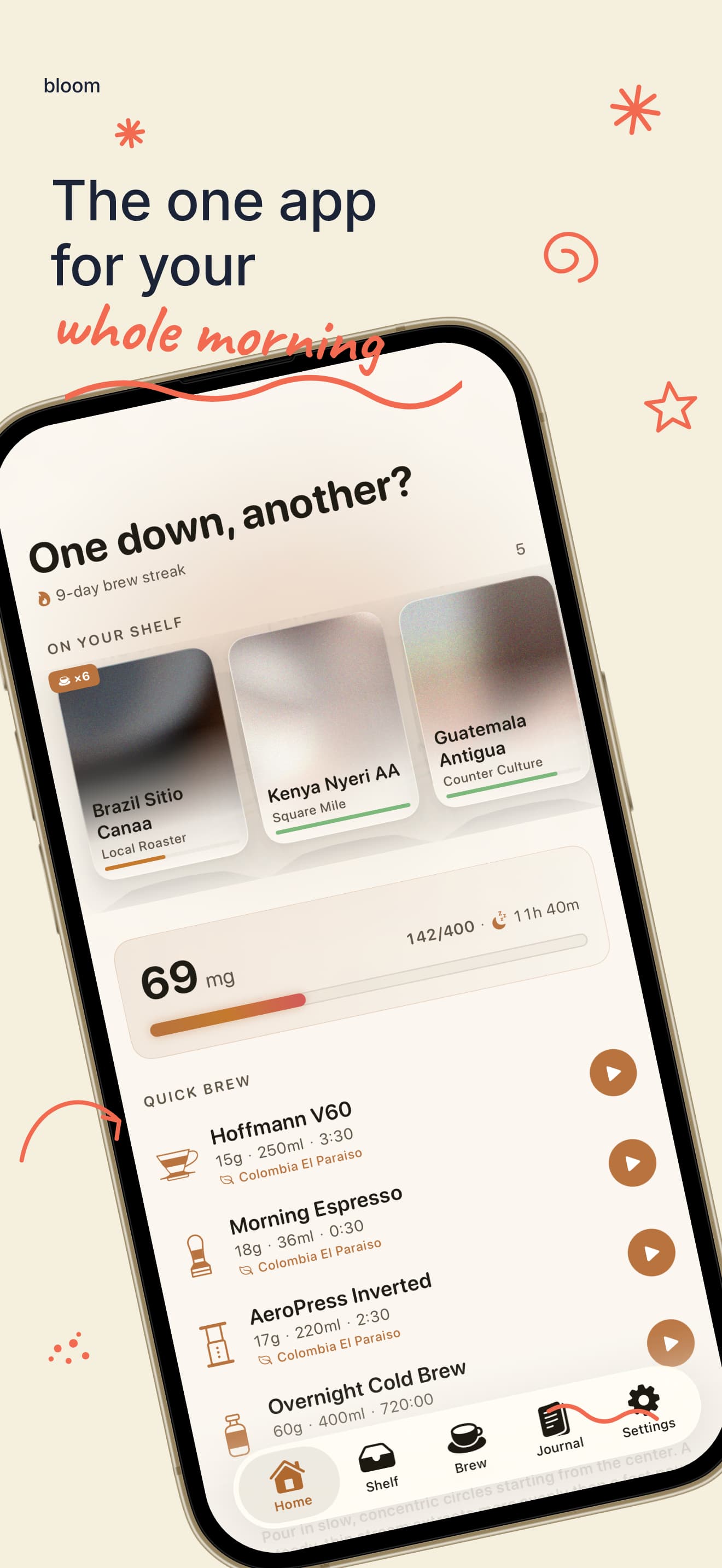
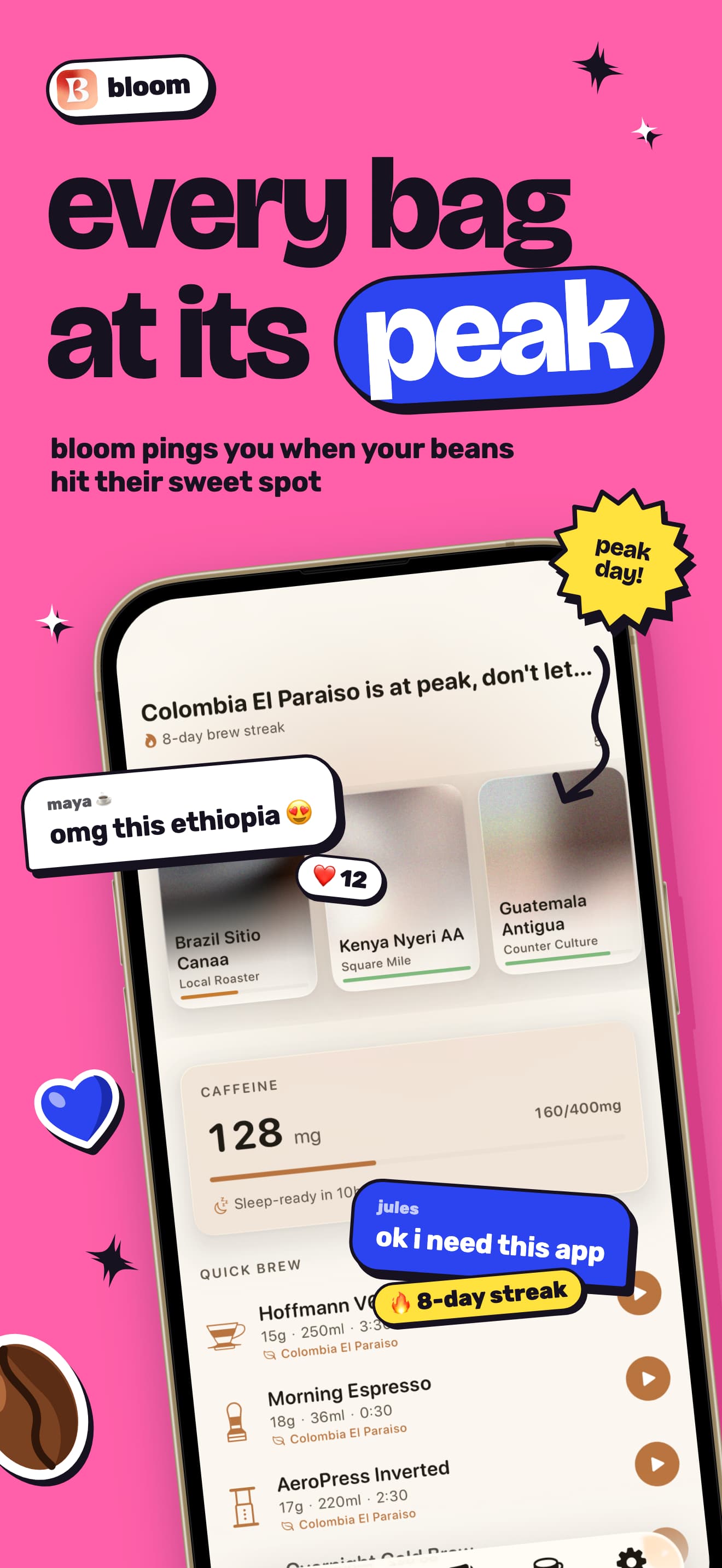
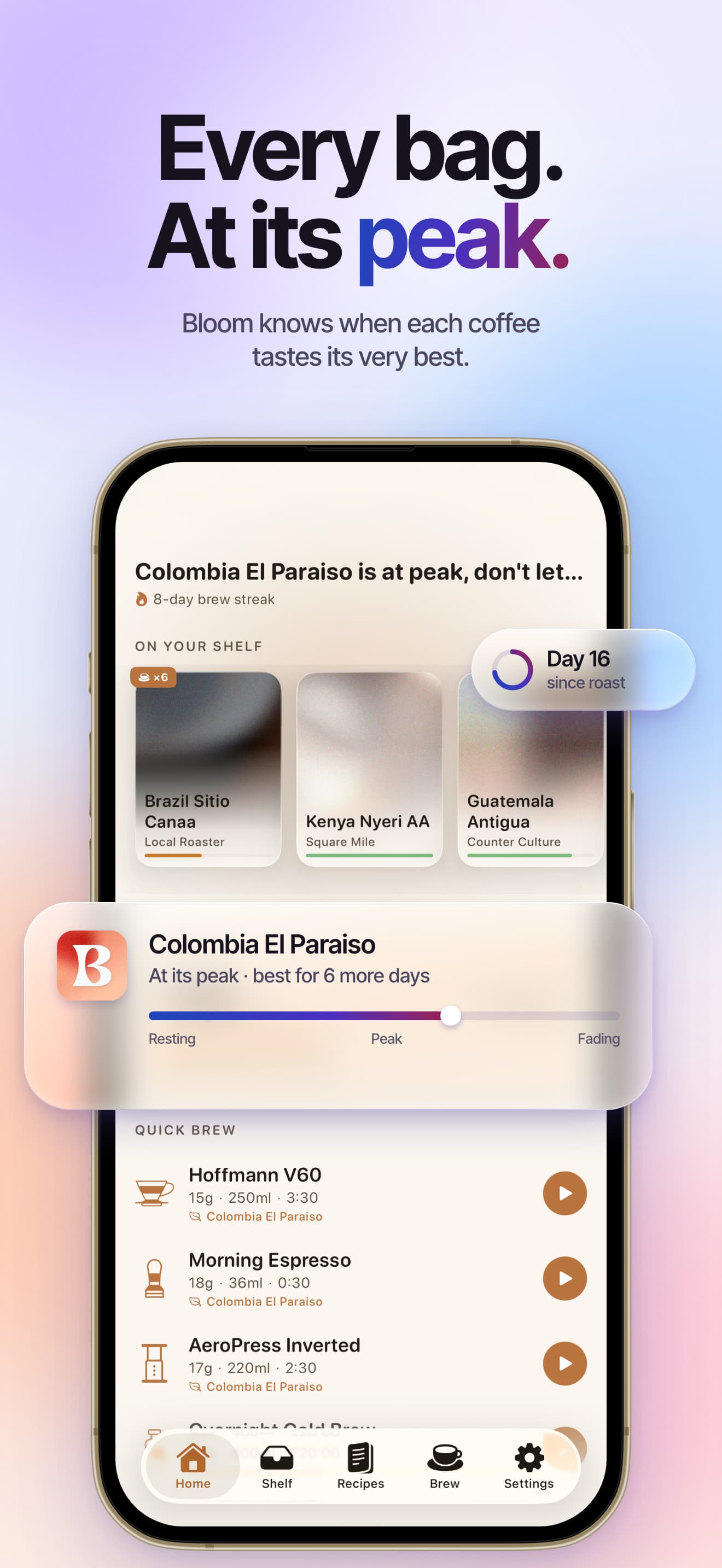
How does it work?
- Step 1
Install the skill
One command adds it to your AI agent.
- Step 2
Ask your agent
“Build App Store and Google Play screenshots for my app.”
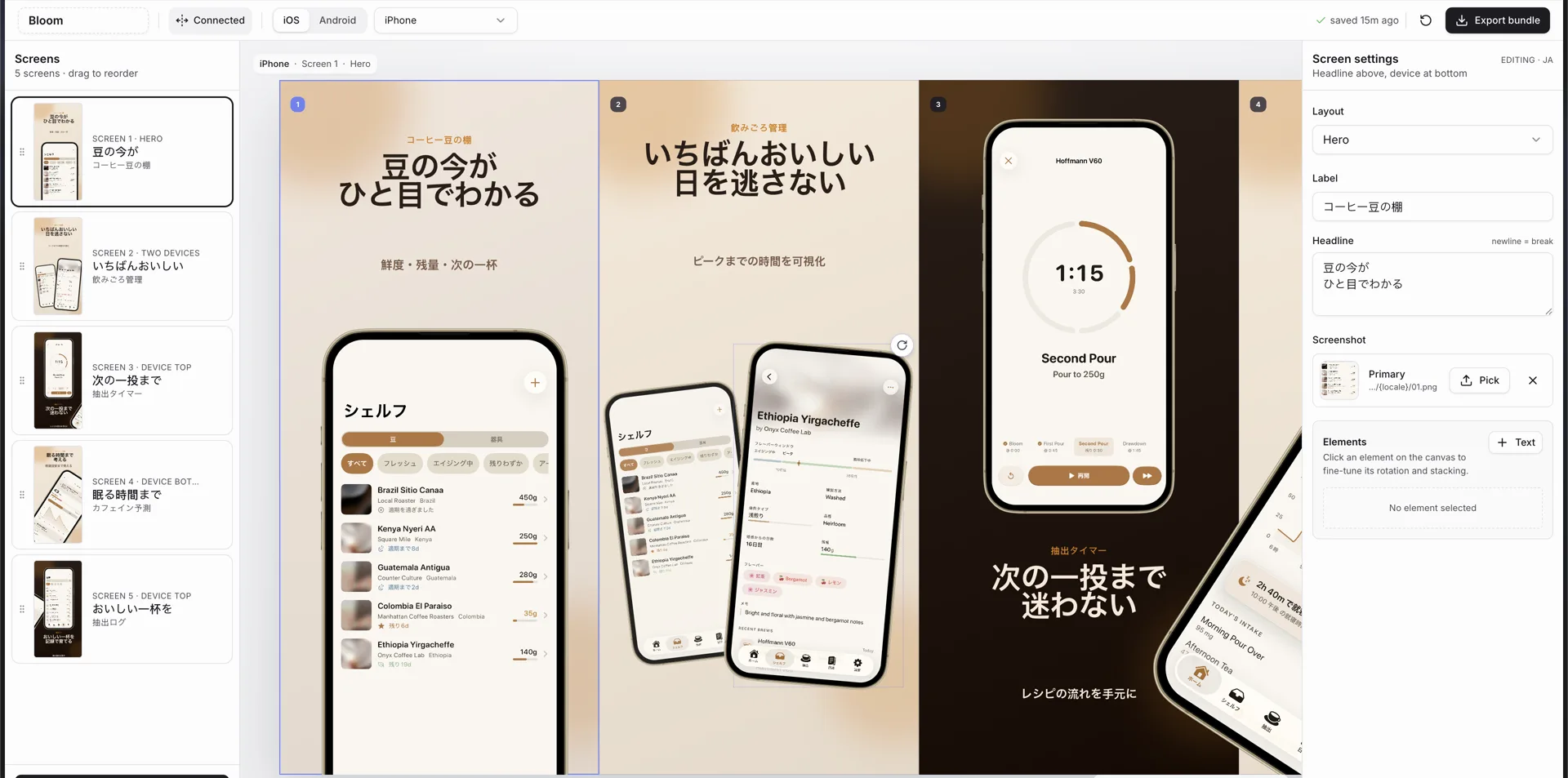
It asks about your app, then builds an editor.
- Step 3
Export
Tweak anything, then download every size at once.
What do I need?
Node.js 18 or newer and a package manager: bun, pnpm, yarn or npm.
Which AI agents does it work with?
Claude Code, Codex, Cursor, Windsurf, OpenCode and any other agent that supports skills.
Is it free?
Yes. It's open source under the MIT license.
What do I get?
- iPhone & iPad
- Android phones & tablets
- Every required size
- Headlines written for you
- Any language
- 18 ready-made styles
Used by 35 apps
Live on the App Store and Google Play. Tap one to see its screenshots.
Bloom
on App Store
KittyLitter
on App Store
LeaderShift for Public Safety
on App Store
Tottli
on App Store
Clawdex
on App Store
Grid Genius
on App Store
Name Day, Birthday, Holiday
on App Store
Hashi
on App Store
Akari Glow
on App Store
MiniHue
on App Store
Super Shot
on App Store
AI Garden Design
on App Store
blablabla
on App Store
Reminders at a Glance Widget
on App Store
Alune
on App Store
Photo Collage Maker
on App Store
drawn
on App Store
DexRelay
on App Store
Cinefuse
on App Store
Wirdan
on App Store
Metra
on App Store
NextCatch
on App Store
MyMoody-Mood Tracker
on App Store
BlackJackal
on App Store
Tarsier
on App Store
ToneGame
on App Store
The Guard BJJ
on App Store
Bloomly
on App Store
Snakey
on App Store
Blast
on App Store
Protocol
on App Store
EchoPod
on App StoreCardioLog
on Google PlayAlarm Crypto
on Google PlayKasha
on Google Play


ready to ship?
Try it with one command
Paste it in your terminal, then ask your agent for App Store screenshots.