

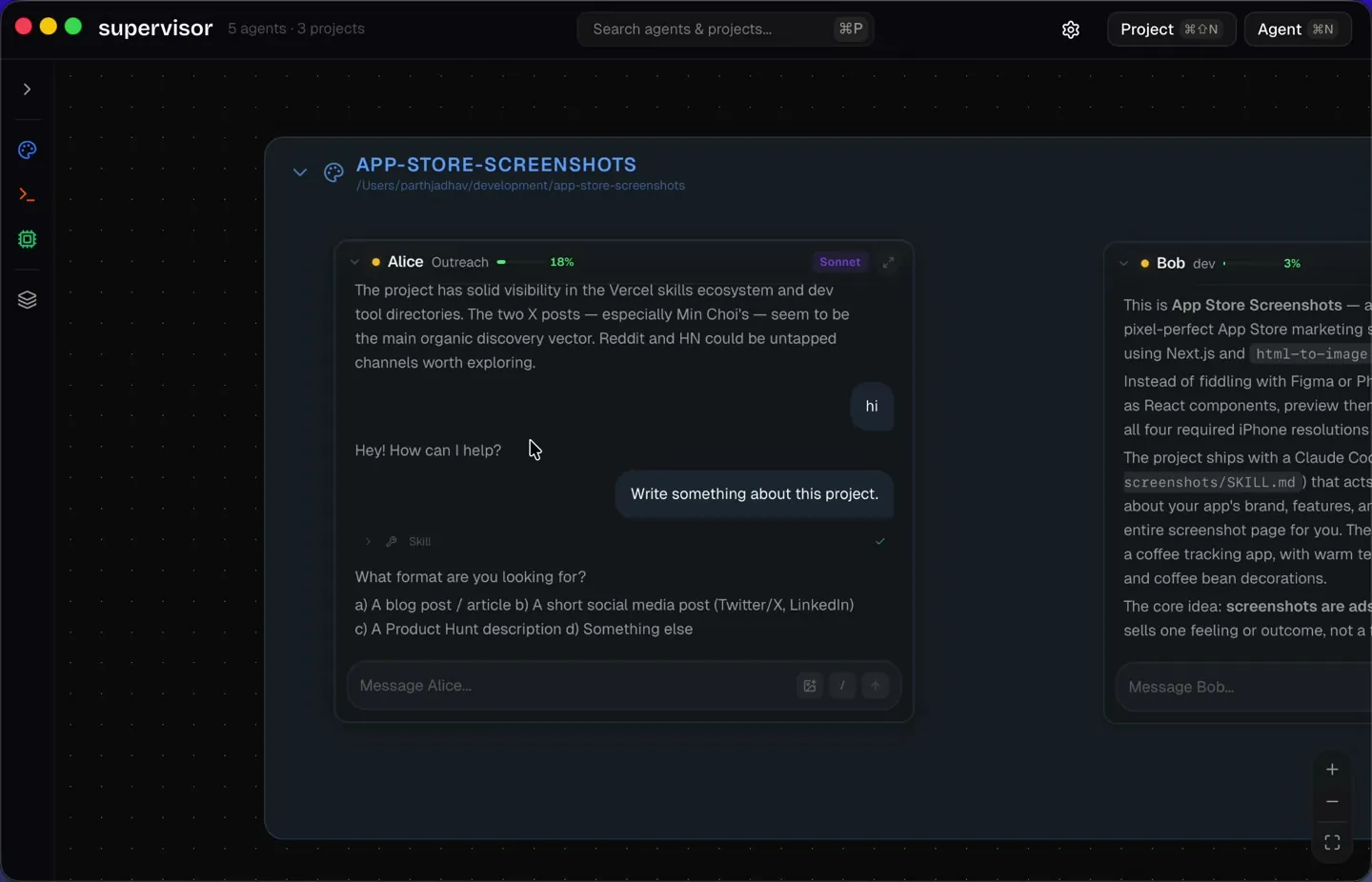
Every agent, one canvas
See all your agents at once. Drag, resize, and monitor multiple conversations side by side on an infinite canvas.
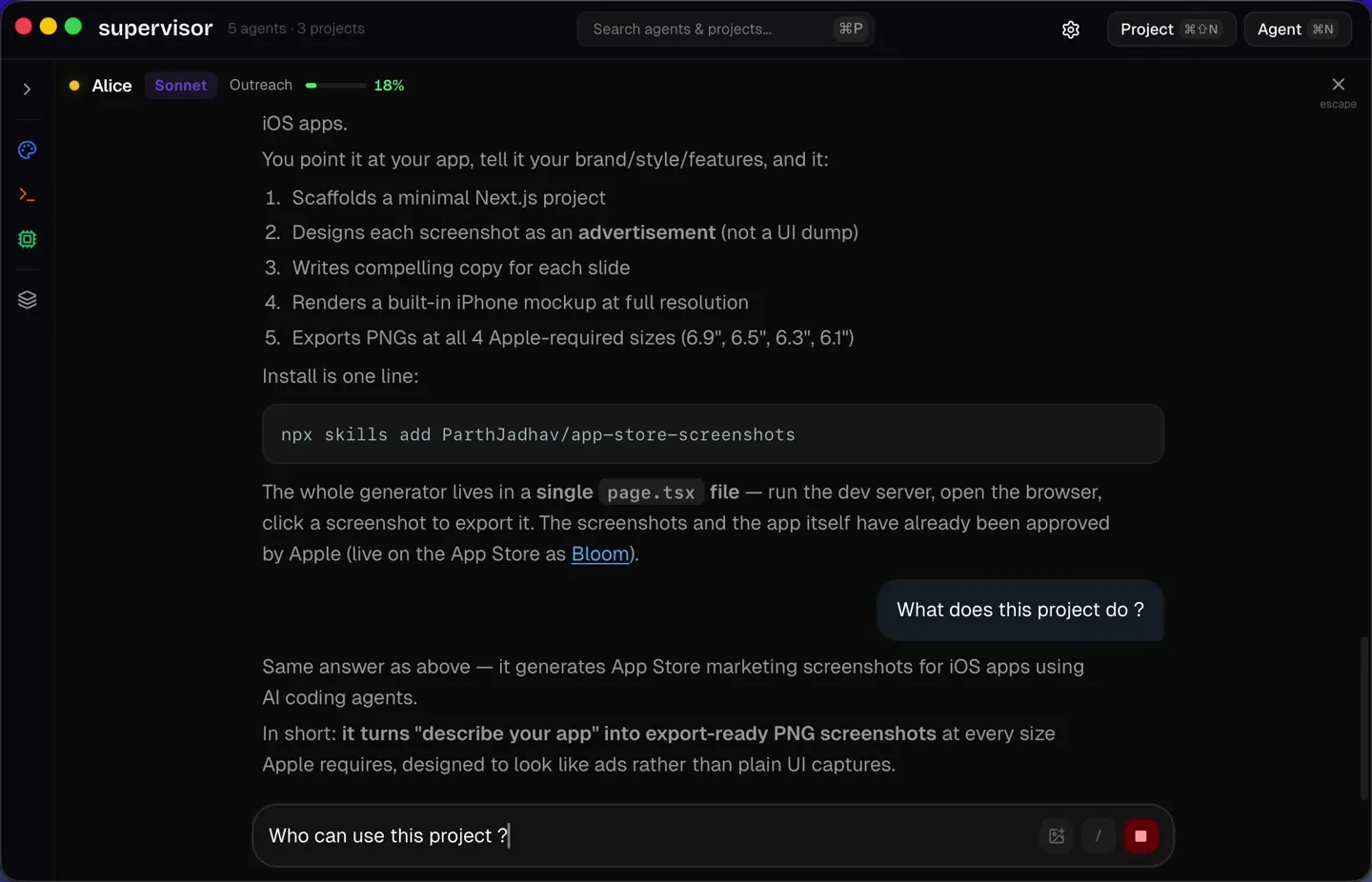
Feeling distracted?
Focus view gives you a dedicated space to work with a single agent. Chat, iterate, and ship without distractions.
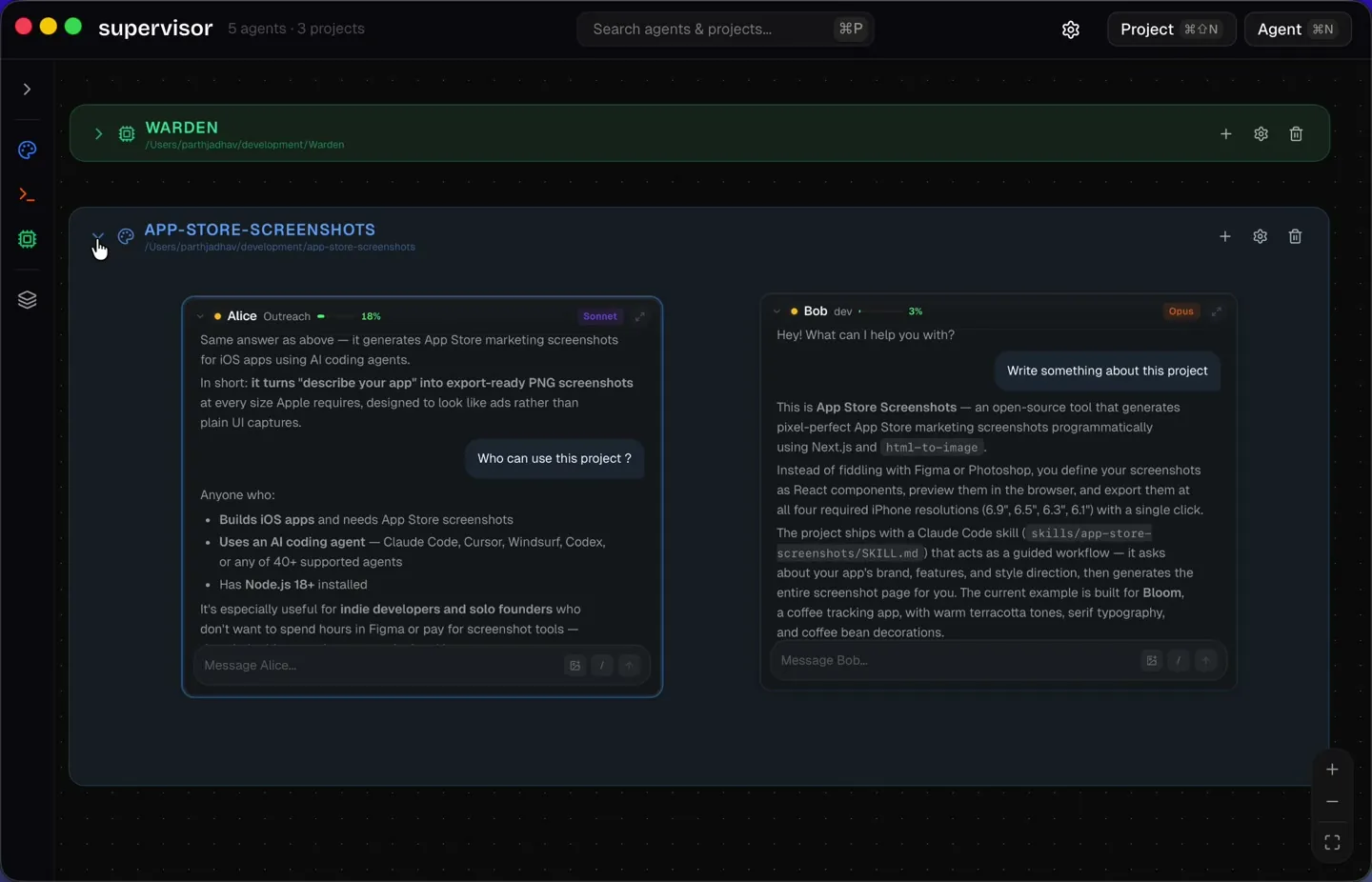
Agents scoped to codebases
Register a project directory and every agent inherits its context. Each project gets its own color, directory, and set of agents.
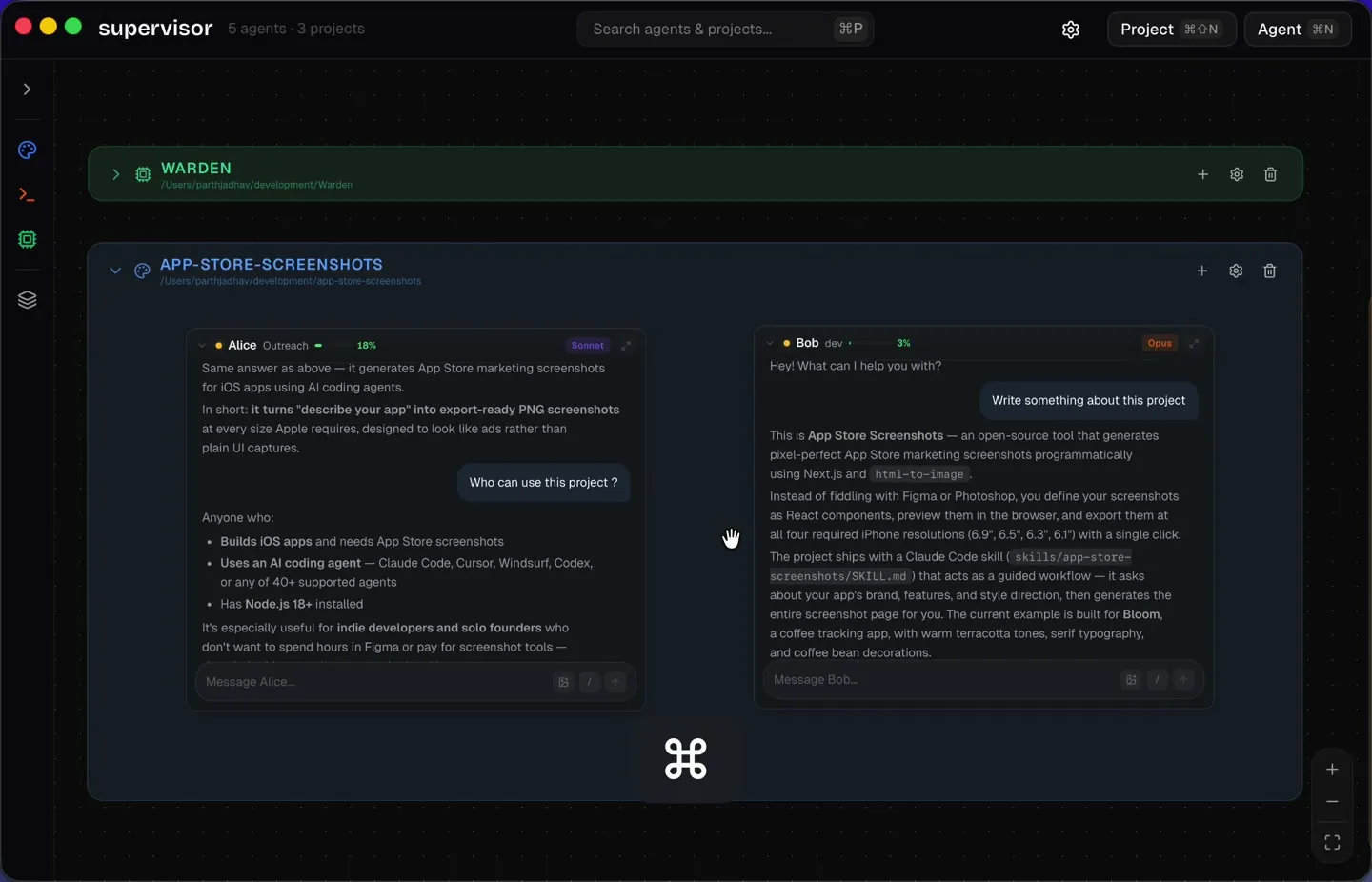
Navigate at the speed of thought
Cmd+K to jump between agents. Cmd+P to search everything. Keyboard shortcuts you already know.
Slash Commands
Every agent supports slash commands. Clear context, check costs, review PRs, all from the composer.
Drop in visual context
Paste screenshots, drag mockups, attach diagrams. Agents see and reason about images natively.
Agents built for the job
Give each agent a name, role, model, and system prompt. Create specialists that know exactly what to do.
Cherry on top
The details that make Supervisor feel native, fast, and right.
Notifications
Get notified when agents complete tasks or need your input.
Project colors
Customize each project with its own color for instant recognition.
Project sidebar
See all projects and their agents at a glance.
Agent snapping
Snap agents to a grid for clean, organized canvas layouts.
Collapse & expand
Collapse agents and projects to compact pills when you need space.
20MB on disk
Tauri + Rust. No bundled Chromium. Lean and resource-efficient.
Cross-platform builds
Installers for macOS, Windows, and Linux. macOS is the currently tested platform.
Specs & frequently asked questions
The practical details for evaluating Supervisor before you install an early-access build.
- Status
- Early access
- License
- MIT — free and open source
- Desktop stack
- Tauri, Rust, React, TypeScript
- Install size
- Approximately 20 MB
- Distributions
- macOS, Windows, and Linux installers
- Tested platform
- macOS; help testing other platforms is welcome
What is Supervisor for?
Supervisor is a desktop command center for running and monitoring multiple Claude Code conversations on an infinite canvas. Projects give agents their working-directory context, while focus view and keyboard navigation help you move between active sessions.
How is it different from terminal split panes?
The interface is organized around agents rather than terminal panes: each agent can have a name, role, model, system prompt, project scope, visual attachments, and a position on the canvas. It is designed for seeing parallel agent work at a glance.
Which operating systems are supported?
GitHub releases include macOS, Windows, and Linux installers. Supervisor is currently tested on macOS; Windows and Linux are early-access builds that need more community testing.
Does Supervisor work with local projects?
Yes. You register a local project directory and agents in that project inherit its working context. Supervisor's public documentation does not currently make a broader telemetry or data-retention guarantee, so privacy-sensitive teams should review the open-source implementation before adoption.
Vision
The current paradigm (one terminal, one agent, one task) is a holdover from a world where we interacted with one AI at a time. We're already past that. Supervisor wasn't built to just manage terminal sessions on a graph. It was built for hands-free orchestration. Talk to a meta-agent that routes tasks, queries status, and coordinates your entire fleet. The interfaces need to catch up.
Agent-to-agent handoff
Agents pass work to each other automatically.
Voice orchestration
Speak your intent. The app figures out which agent should handle it.
Mobile companion
Monitor and manage your agents from your phone.