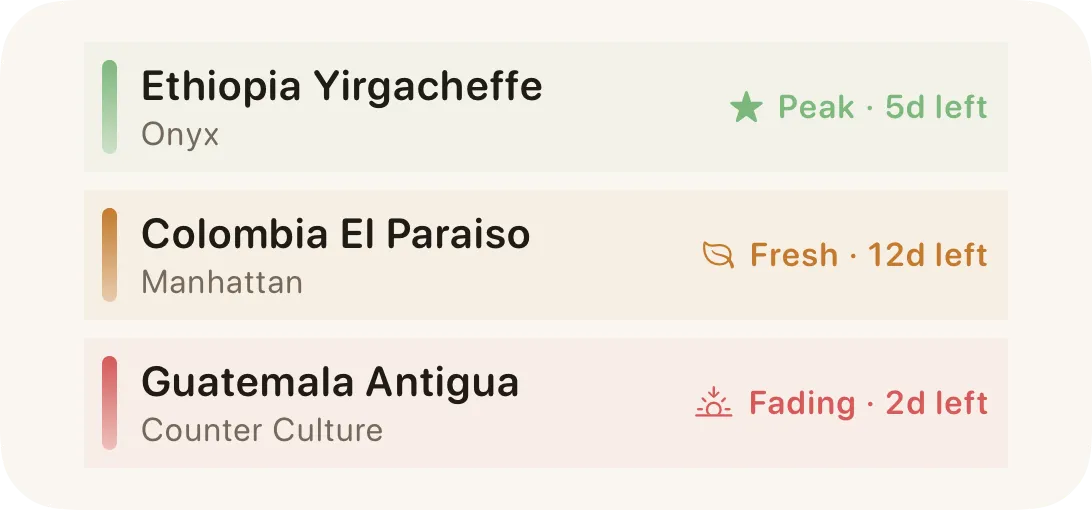
Flavor Window
Roast date and roast level place beans on a resting, peak, and fading timeline. Defaults are 14–42 days for light, 10–35 for medium, and 7–28 for dark roasts; you can override resting days.
Track your shelf. Time your brews. Dial in your taste.
No Bloom account required. Coffee data stays local by default, with CloudKit sync when iCloud is available.

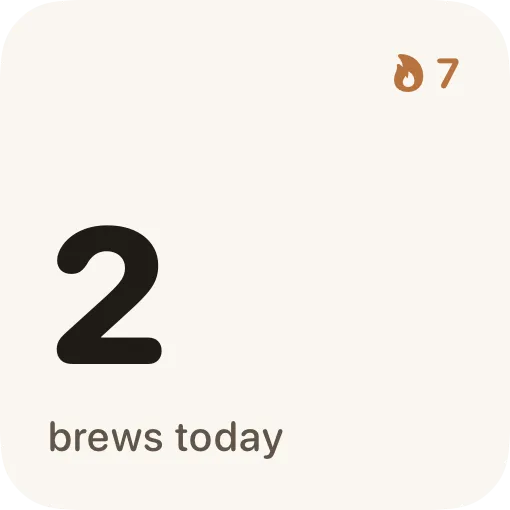

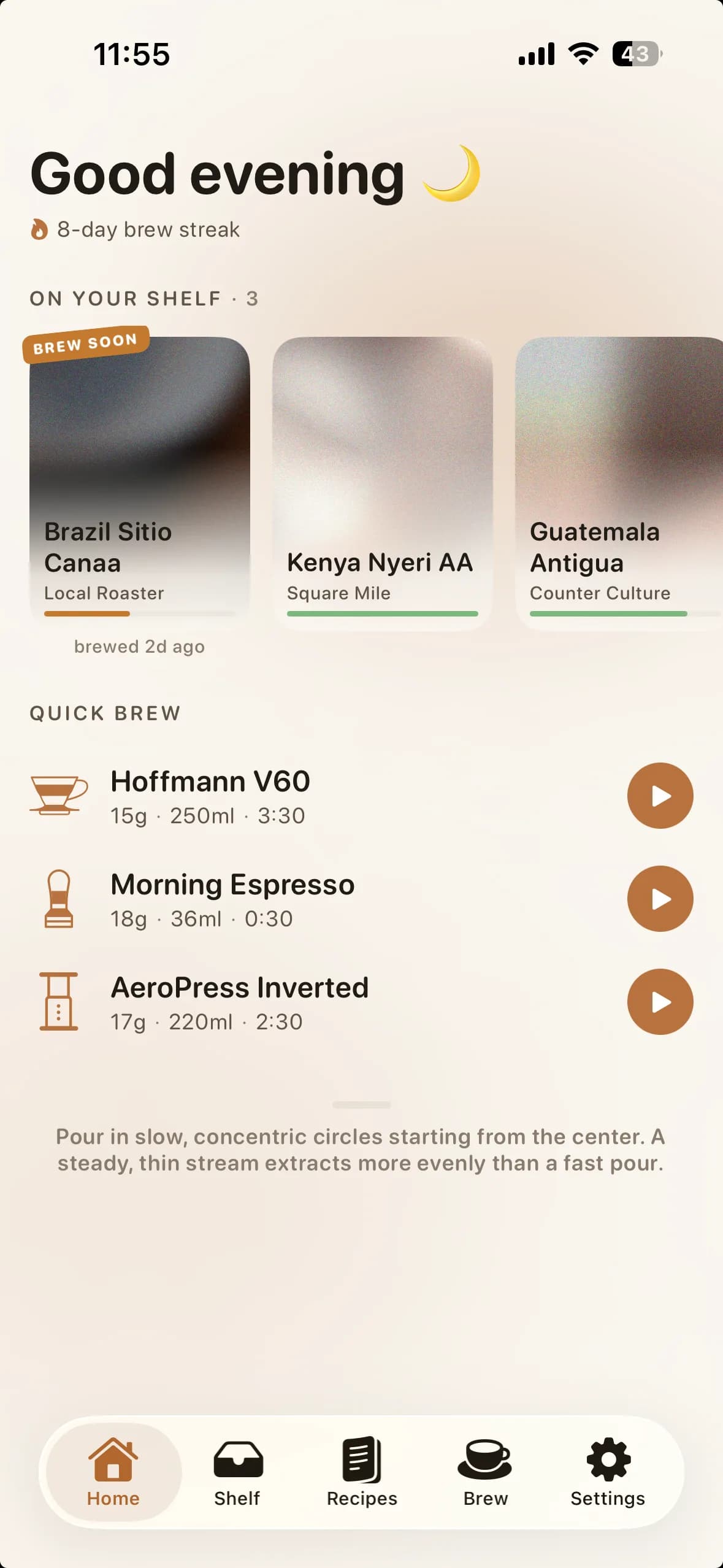
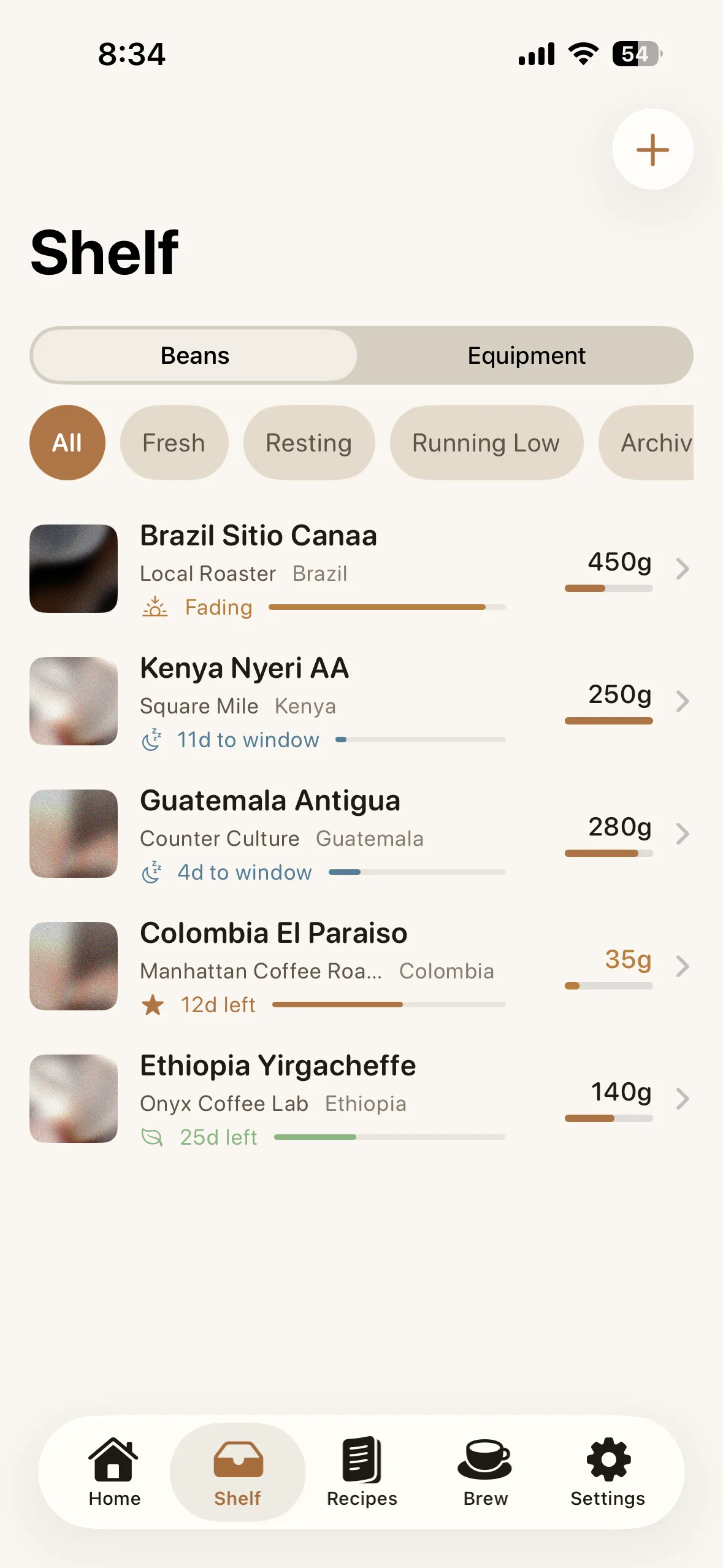
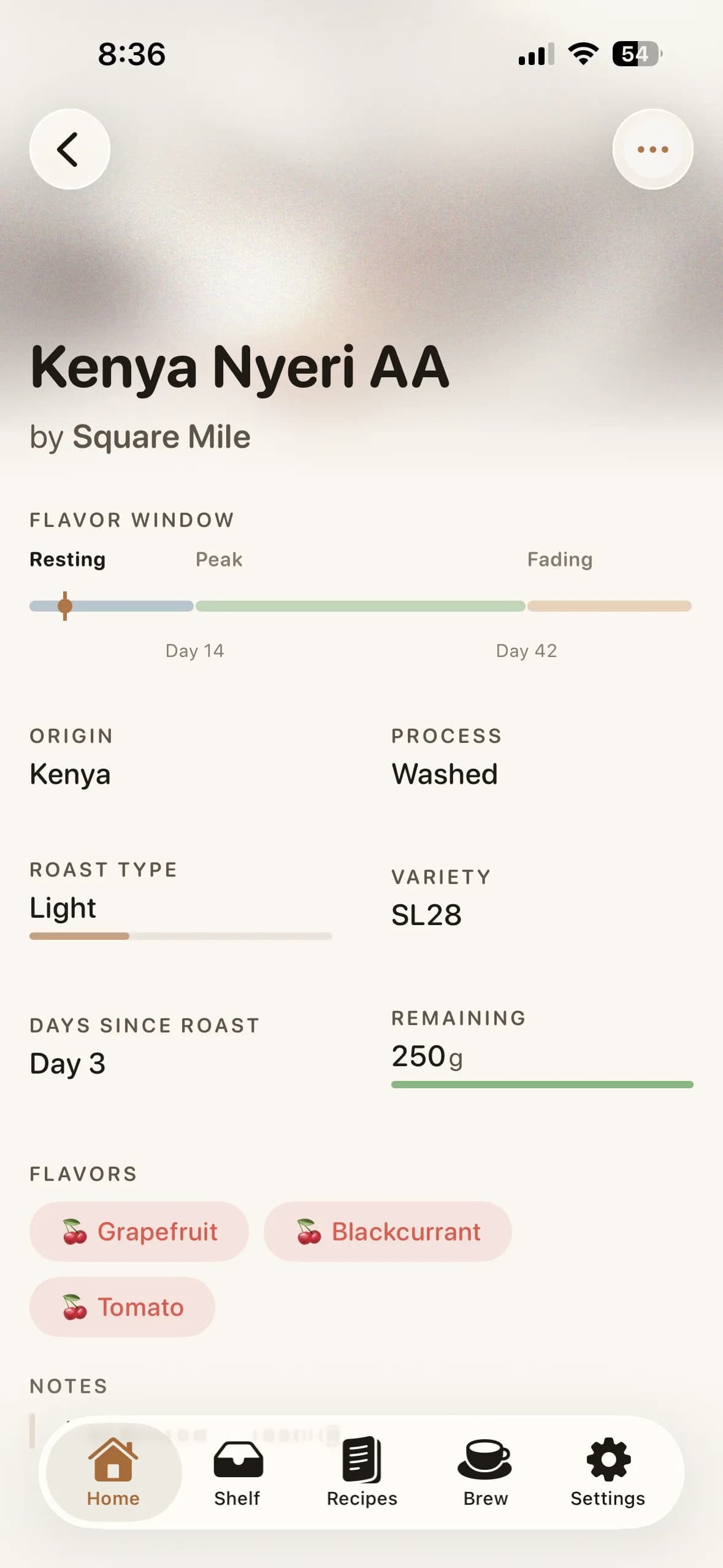
Every bag's peak window, origin, and flavor profile — at a glance. Bloom tells you when to brew and when to restock.

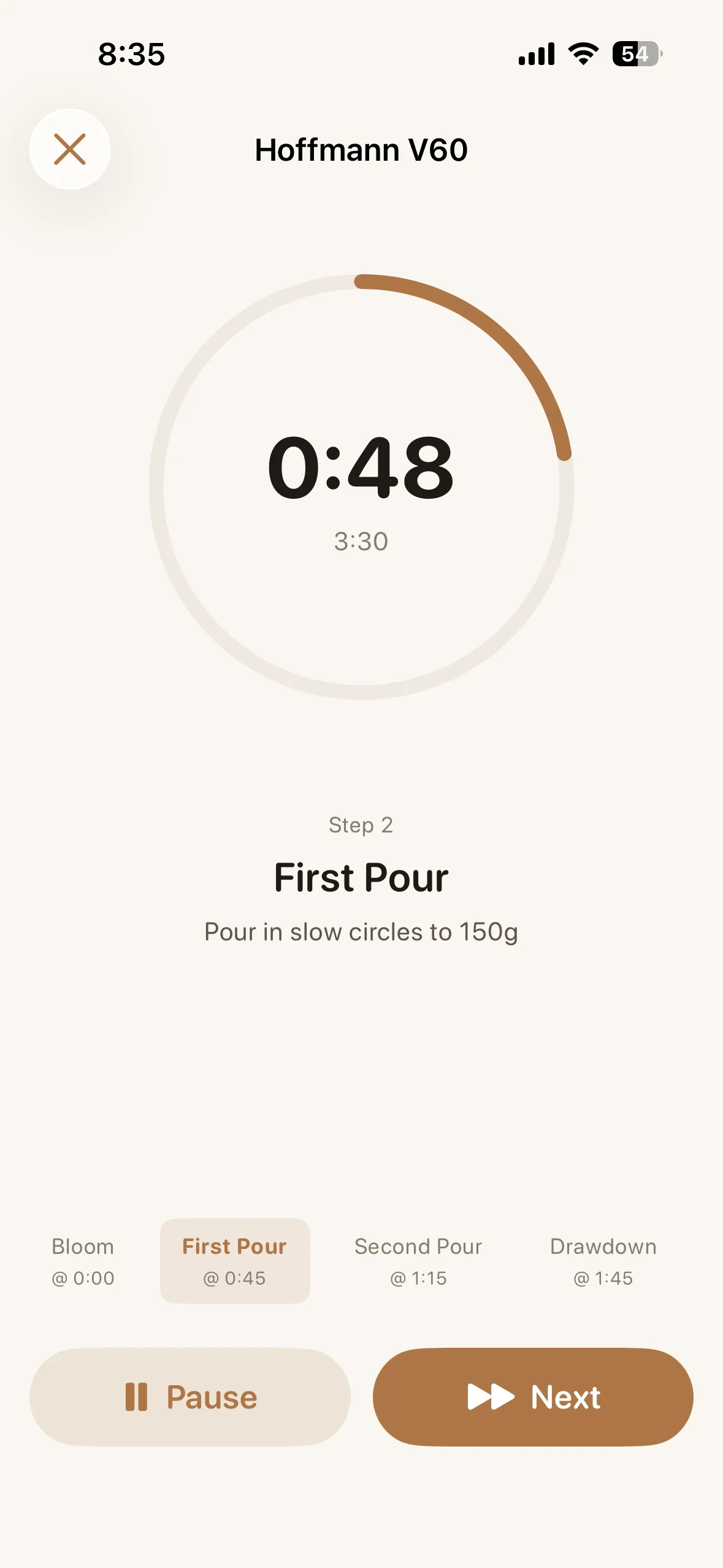
Guided timer with haptic cues at every step, so you never miss a pour. And when you're done, confetti.
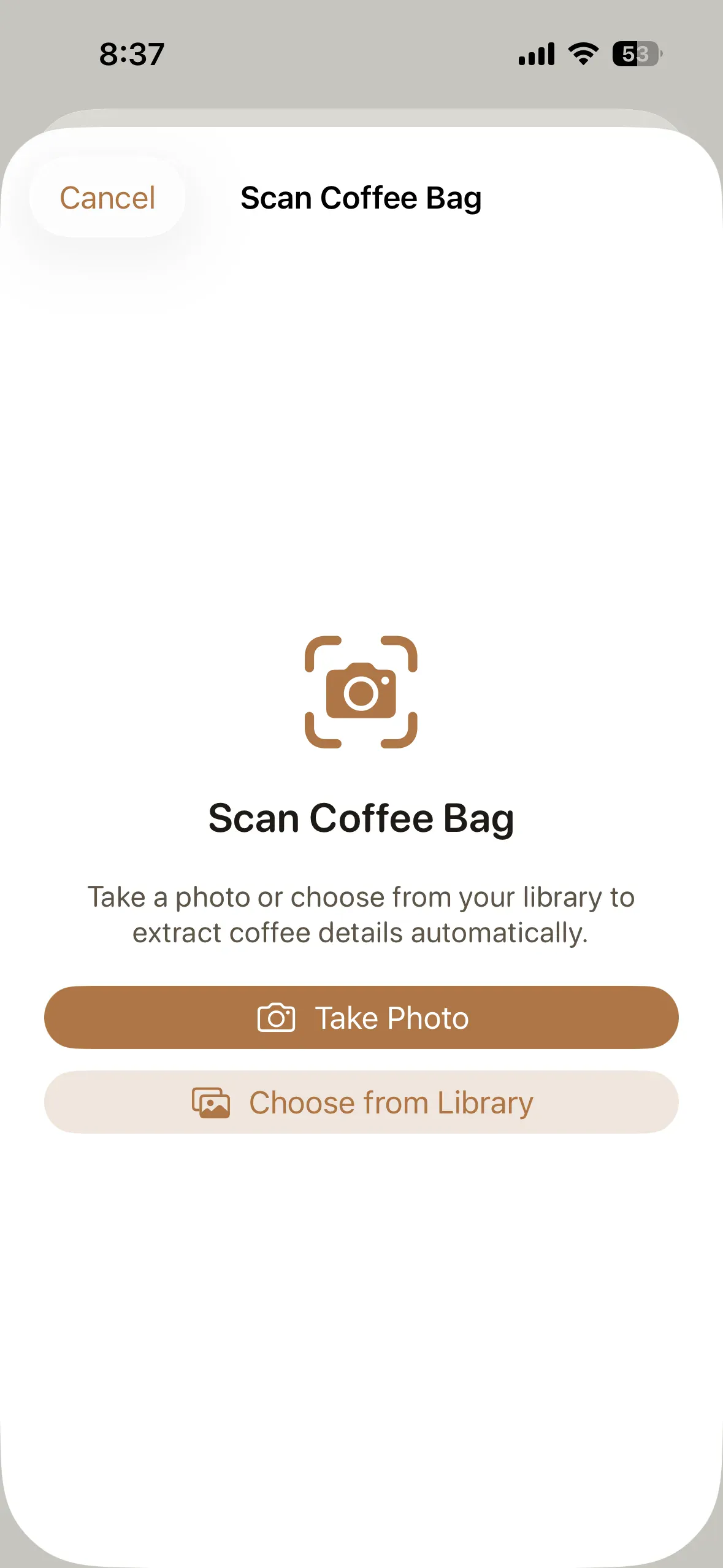
Scan any coffee bag — origin, roaster, and flavors auto-fill in seconds. All on-device, all private.*
*Requires iOS 26 or later.
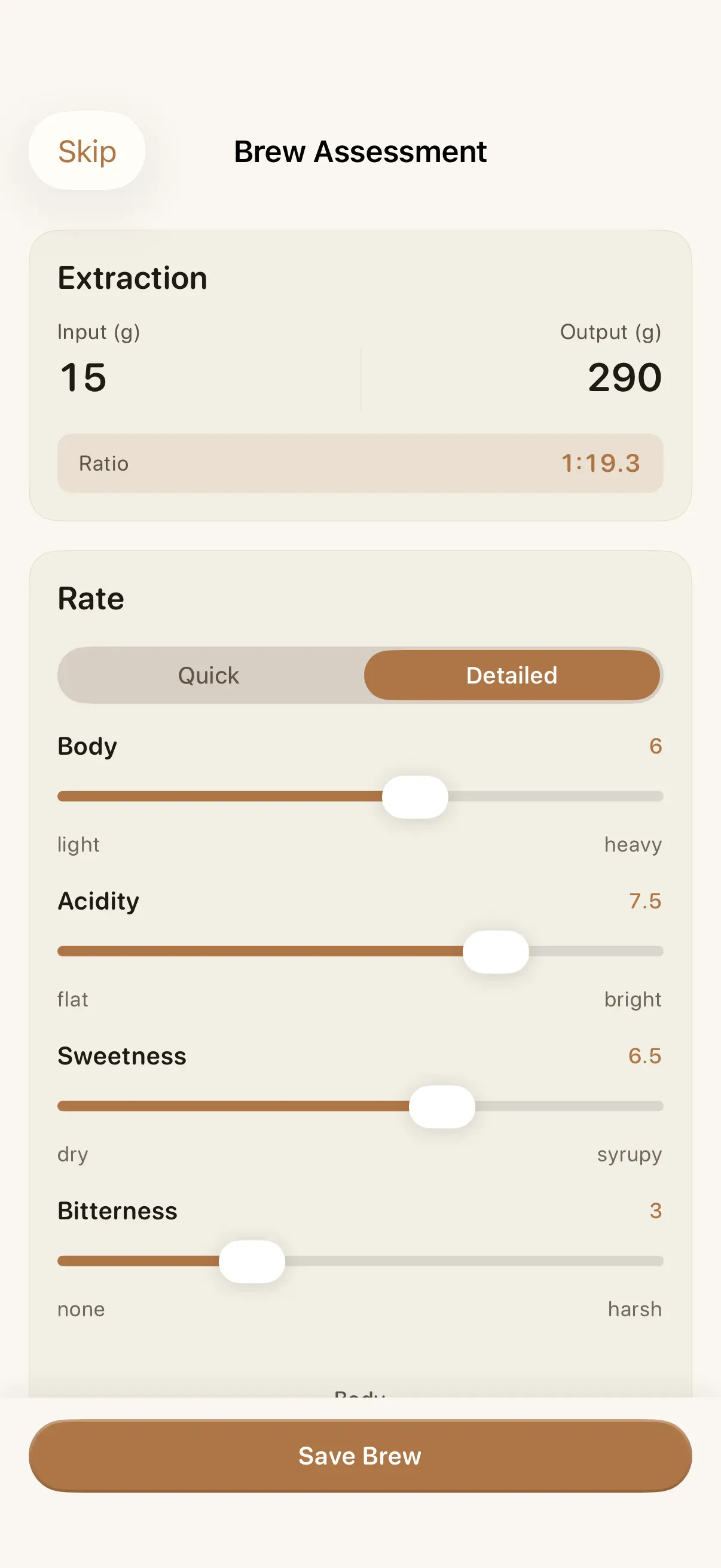
Rate each brew on two sliders — sour/bitter and weak/strong. Bloom maps your input to a 9-zone taste matrix and tells you exactly what to adjust.
Clear inputs, useful guidance
Bloom uses the information you enter and transparent rules inside the app. Coffee and tasting data stay local by default; optional iCloud sync uses your private CloudKit database.
Roast date and roast level place beans on a resting, peak, and fading timeline. Defaults are 14–42 days for light, 10–35 for medium, and 7–28 for dark roasts; you can override resting days.
After a brew, sour-to-bitter and weak-to-strong taste inputs map to one of nine zones. Bloom then suggests a concrete grind, dose, or water adjustment for the next cup.
On iOS 26 or later, Apple Vision reads the label and Apple Foundation Models map text into coffee fields. Images are processed on the device and are not uploaded to Bloom servers.
Logged drinks and their intake times feed an estimated bloodstream curve, a daily-total comparison, and a sleep-ready time. The curve is guidance from logged data, not a medical measurement or individualized health advice.
Need the details? Read the Bloom FAQ and privacy policy.
Track, brew, and explore. All in one app.
Your freshest beans and next brew, right on your Home Screen.
Hand-crafted palettes, from morning light to dark roast.
Guided steps with haptic cues at every pour.
Every bag's origin, roast date, and peak freshness at a glance.
Every grinder, kettle, and dripper logged so your recipes are always repeatable.
Rate each brew, get a specific fix from the 9-zone taste matrix.
Log every cup, see your daily caffeine in seconds.